Bring your town into the workday: a better use for the break room screen
Display Local Team · November 14, 2026 · 3 min read
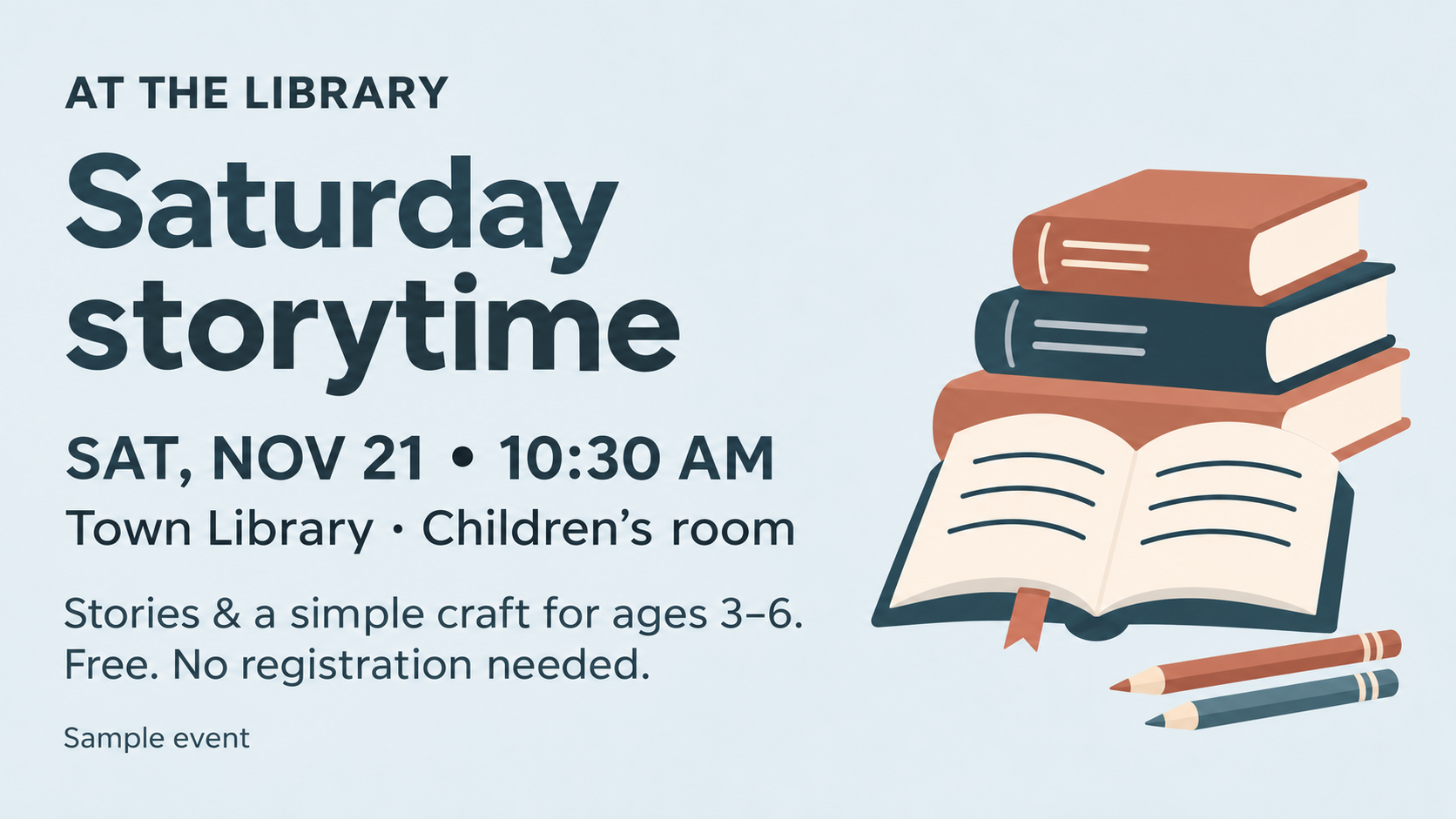
A sample library program: the kind of local discovery that can be useful during a coffee break.
Picture the screen in an office kitchen or employee break room. Between a team announcement and a facility reminder, it shows a weekend market, a library program, or the weather for the trip home.
That’s a different kind of workplace update: something connected to the lives people have outside the building. With Display Local, a shared screen can bring a little more town into the workday.
Something useful during an ordinary break
Employees are also neighbors, parents, volunteers, and people deciding what to do after work. A local event or community notice can be useful without needing a company-wide email or another app to check.
Think of a few possible moments:
- A parent notices a free library program while getting coffee.
- Two coworkers spot a downtown event and make plans to go.
- Someone checks the temperature and forecast before heading out.
These are examples of the experience we’re building for. The screen has a clear job: help people discover something relevant to the place they share.
Keep the local content moving without assigning a new job
A community screen is more useful when someone doesn’t have to collect every event and design every slide. Display Local finds relevant updates from local sources, turns them into slides, and brings approved community content into the lineup.
Community slides are reviewed before approval, and dated content is removed when it expires. What’s available depends on your town and its local sources. Your team can contribute its own messages without having to supply the entire lineup.
Weather earns its place
A forecast gives the screen an everyday purpose, even when someone isn’t looking for an event. Display Local supports automatic weather updates for a selected city, with conditions, temperature, today’s high and low, and a short forecast.
In a break room, that can be a quick check before lunch or the commute home. In a lobby, it gives visitors something useful to glance at while they wait. Weather sits alongside community content rather than needing its own dedicated screen.
Keep your own announcements in the mix
Your organization still has things to say: a team lunch, a new colleague, an upcoming program, or a change to facility hours. Upload your own images, videos, and slides to share those updates alongside the automated local content.
Your organization supplies its internal announcements. Display Local handles the approved community lineup and automatic weather updates. That gives the screen useful material between the moments when your team has news.
One shared space is a good place to begin
A break room, reception area, or common space can be a starting point. Connect a Display Local player to an existing TV through HDMI, or use the compact 15.6-inch screen at a reception desk.
The same idea fits other shared spaces: employee lounges, nonprofit offices, YMCAs, churches, and community centers. People arrive for different reasons, but they share a connection to the surrounding town.
Explore community content for workplaces and organizations, or tell us about your space. We’ll help you find a setup that gives your people something worth seeing without adding another daily content task.
