That TV in Your Business Could Be Doing More Than Playing in the Background
Display Local Team · September 10, 2026 · 5 min read
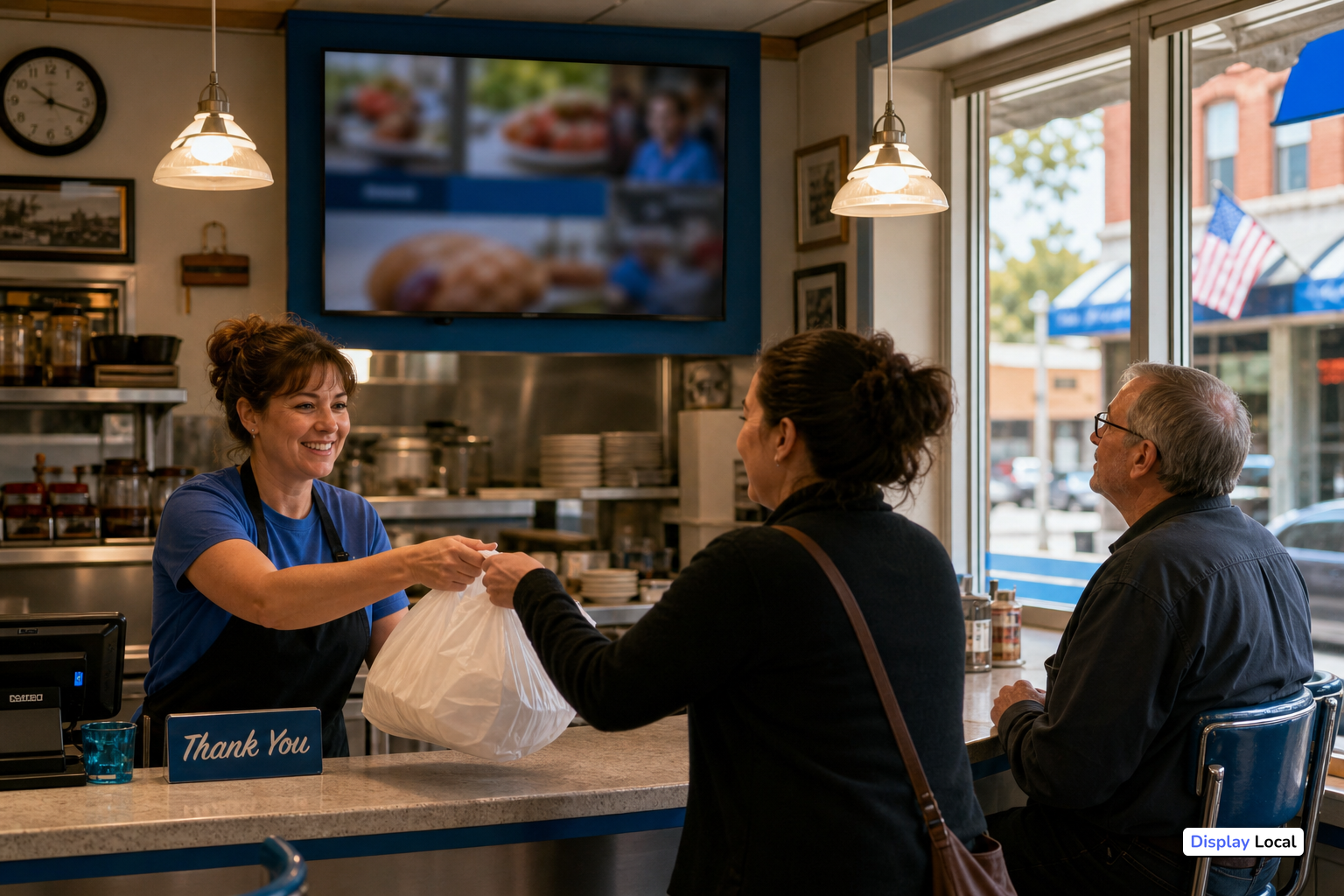
Many local businesses already have a TV or monitor somewhere on site.
It might be in a waiting area, lobby, dining room, checkout area, hallway, fitness space, or customer lounge. In many cases, that screen is showing generic programming, sitting unused, or displaying the same thing day after day.
That screen could be doing more.
With Display Local, a business can turn an existing TV or monitor into a useful in-store communication tool without building a complicated signage system or giving staff another platform to constantly manage.
Use the screen to answer the question customers forget to ask
Customers and visitors do not always know everything your business offers.
They may not know about:
- New products or services
- Seasonal promotions
- Upcoming events
- Holiday hours
- Loyalty programs
- Gift cards
- Hiring needs
- Community involvement
- Social media updates
- Local announcements
A screen inside your business gives you another way to make that information visible while people are already there.
Instead of hoping someone sees a flyer, checks your website, opens an email, or catches a social post, your message can appear right in the physical space where customers are spending time.
Your social posts can work harder
Most businesses are already creating content for Facebook, Instagram, or other social channels.
That work should not have to live in only one place.
Display Local can connect existing social content and help bring it onto a physical screen. That means a post created for online followers can also become part of the in-store experience.
Post once. Use it in multiple places.
For busy local businesses, that matters. The goal is not to create a separate content job just to keep a screen updated. The goal is to make better use of the content already being created.
Mix your own message with useful local information
A business screen does not have to show only ads for the business.
It can also share useful, relevant information for the people looking at it. That might include local events, community announcements, seasonal reminders, or other content that makes the screen feel helpful instead of ignored.
This is especially useful for businesses that want to be more connected to the community but do not have time to manage a full calendar or communication network themselves.
The screen can promote the business while also becoming a small local information hub.
Keep it fresh without constantly feeding it
One of the biggest problems with screens is not the hardware. It is the content.
At first, it is easy to put something on the screen. But over time, the same slides can become stale. Someone has to remember to update them. Someone has to make new graphics. Someone has to remove old announcements.
Display Local is designed to reduce that burden.
Businesses can add their own promotions, announcements, images, videos, hours, and events. They can also use automated and curated content to help keep the screen from feeling forgotten.
The screen should be useful in the background, not another daily task on the staff checklist.
Manage the screen remotely
Local business owners and managers are rarely sitting in front of a signage computer all day.
Display Local is built so screens can be managed remotely. A business can update messages, adjust content, or add announcements without needing to be physically standing at the TV.
That makes the screen easier to use for quick updates like:
- Closing early because of weather
- Promoting a weekend sale
- Sharing an upcoming event
- Highlighting a new service
- Updating seasonal hours
- Adding a last-minute announcement
For businesses with more than one location, remote management also helps keep communication more consistent without needing to update every screen separately on site.
A better use for a screen you may already have
Display Local does not require a business to start with a complicated installation.
The basic idea is simple: connect the Display Local player to a TV or monitor, connect it to the internet, and manage the screen remotely.
For many businesses, that means an existing screen can become more useful.
Instead of generic programming or static signage, the screen can help customers discover what is happening in the business and around the community.
Practical examples for local businesses
A local business could use Display Local to show:
- Daily or weekly specials
- Upcoming classes, events, or appointments
- New product arrivals
- Service reminders
- Staff picks or featured items
- Gift card promotion
- Hiring messages
- Social media posts
- Community events
- Local organization announcements
- Seasonal information
- Business hours or closure notices
The exact mix depends on the business. A restaurant, pharmacy, gym, salon, clinic, retail shop, library, and community facility may all use screens differently.
That flexibility is the point.
The screen should be useful, not distracting
Good in-store screen content is not about overwhelming people.
It is about making helpful information easy to notice.
A useful business screen should be:
- Local
- Current
- Easy to read
- Relevant to the people in the room
- Simple for staff to maintain
When the screen supports what the business is already trying to communicate, it becomes part of the environment instead of just another display on the wall.
Plug it in, connect your content, and keep moving
For local businesses, the value of Display Local is practical.
You can use a screen you already have. You can promote your own messages. You can connect content you are already creating. You can include local information that matters to customers. And you can manage it without turning screen updates into another full-time responsibility.
A TV in your business does not have to be background noise.
It can become a simple, useful communication tool.