Your Community Is Already Creating Useful Information. Are People Seeing It?
Display Local Team · September 8, 2026 · 5 min read
Most communities are not short on information.
There are events to promote, registrations to announce, programs to explain, fundraisers to support, meetings to share, and local businesses to highlight.
The problem is not always creating the information. The problem is getting it seen.
A Chamber posts on Facebook. A library updates its calendar. A city shares Parks & Recreation deadlines. A nonprofit sends an email. A Main Street organization promotes a downtown event.
All of that matters. But it often depends on people already following the right page, opening the right email, visiting the right website, or seeing the post before it gets buried.
Display Local gives communities another way to share that information: physical screens in the places people already go.
Community communication should not depend on one channel
Social media is useful. Email is useful. Websites are useful.
But none of them reach everyone.
Residents may miss posts. Visitors may not know which pages to follow. Busy families may not check the community calendar until after a deadline has passed. People who would gladly attend a local event may simply never hear about it.
That is where community screens can help.
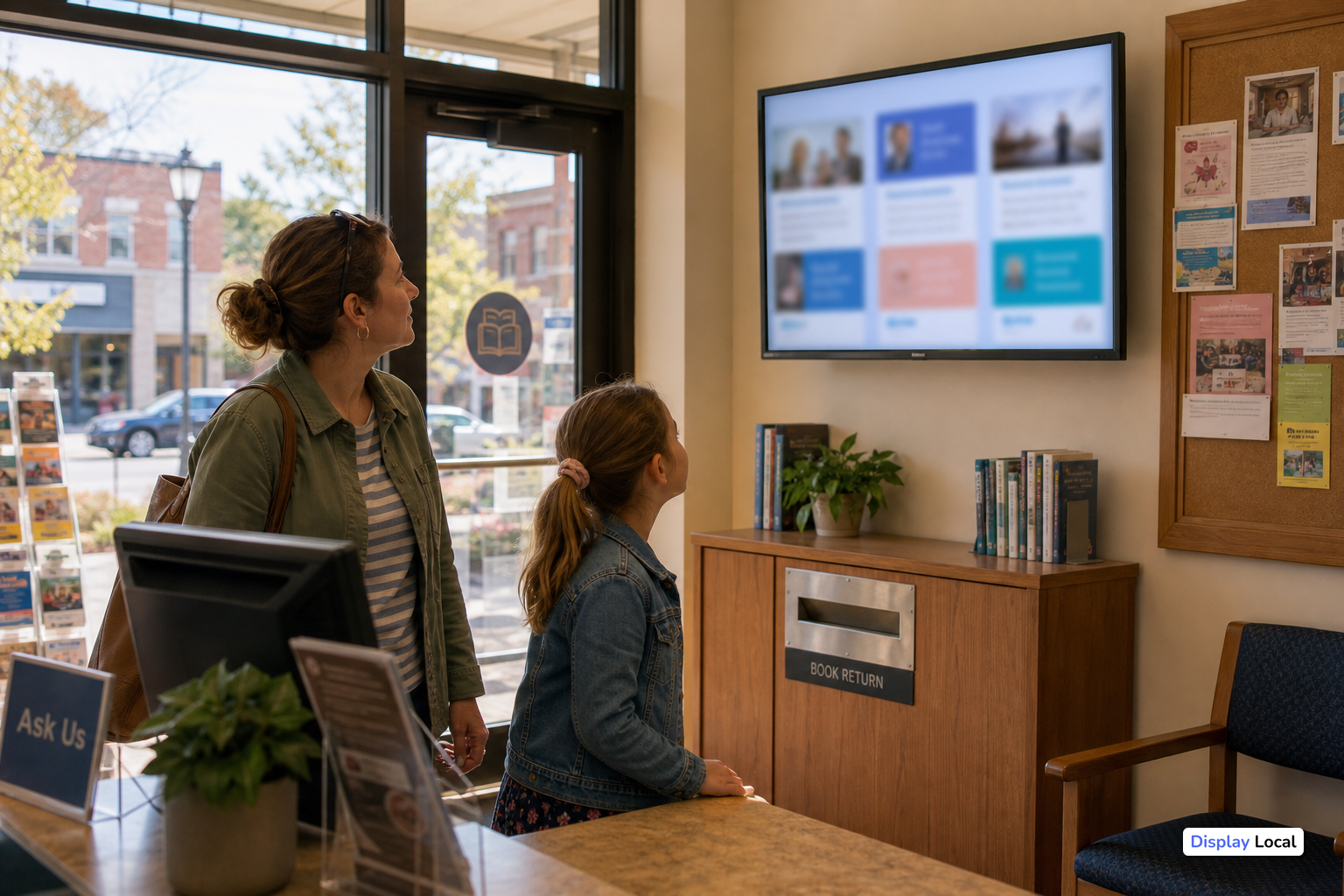
A screen inside a local business, library, gym, pharmacy, restaurant, municipal building, or community facility can quietly keep useful information in front of people while they are already out in town.
It does not replace social media or websites. It extends them.
The best community screen content is simple and useful
A community screen does not need to be complicated to be valuable.
It can rotate through information like:
- Upcoming local events
- Chamber or Main Street announcements
- City and Parks & Recreation programs
- Library activities
- School and nonprofit announcements
- Fundraisers and volunteer opportunities
- Local business promotions
- Shop-local reminders
- Registration deadlines
- Seasonal community information
The goal is not to overload the screen. The goal is to make it useful enough that people notice it.
A few clear messages, changed regularly, are often better than a crowded bulletin board or a TV showing generic programming.
Community groups are already doing the work
One of the biggest advantages of Display Local is that organizations do not have to start from scratch.
Many Chambers, cities, libraries, nonprofits, and local businesses are already creating content. They are posting on social media, building event graphics, updating calendars, and sharing announcements.
Display Local can help extend that existing content onto physical screens.
That means the same event reminder or announcement can live in more than one place:
- Online, where followers may see it
- On a website or calendar, where people may search for it
- On a local screen, where residents may notice it while already out in the community
That simple shift helps local information work harder without asking every organization to create a separate signage workflow.
Community screens should be low maintenance
A community information screen should not become another full-time job.
That is why Display Local is built around a practical model: plug it in, connect the screen, and manage content remotely.
Screen hosts can show a mix of their own business or organization messages, community announcements, social content, and other relevant information. Content can be updated without someone printing flyers, taping up posters, or physically visiting each screen.
For Chambers, Main Street organizations, cities, and nonprofits, this matters because staff time is already stretched. A screen network only works if it is realistic to maintain.
Local screens can help different groups at the same time
A well-planned community screen can serve several purposes at once.
For residents, it can be a simple way to discover useful local information.
For local businesses hosting a screen, it can make an existing TV more useful while also promoting their own specials, services, events, or announcements.
For community organizations, it can create another distribution channel beyond social media and email.
For local advertisers, it can provide visibility in real-world places where people are already shopping, eating, waiting, exercising, or attending community programs.
That combination is what makes local screens different from a single poster or a one-time online post. The screen can keep rotating useful, relevant information over time.
Start with the information people regularly miss
If you are thinking about community screens, start with a simple question:
What information do people often miss?
That might include:
- Event dates
- Sign-up deadlines
- Program registration windows
- Public meeting reminders
- Downtown promotions
- Seasonal service changes
- Volunteer needs
- Local business events
- Community celebrations
Those are good candidates for screen content because they are timely, useful, and easy to understand at a glance.
The more practical the content is, the more valuable the screen becomes.
Display Local makes existing screens more useful
Many businesses and community facilities already have TVs or monitors. Too often, those screens are used for generic programming, static slides, or nothing at all.
Display Local helps turn those screens into local communication tools.
A screen can show the host organization’s own messages, connected social content, community announcements, curated information, and local advertising opportunities depending on how the screen is being used.
The idea is simple: give people useful local information in places they already spend time.
A practical next step for community communication
Communities do not need more complicated communication tools.
They need practical ways to make the information they are already creating easier to see.
Display Local helps Chambers, Main Street organizations, cities, nonprofits, local businesses, and community screen hosts extend local content into the physical places where people already are.
Plug it in. Choose what matters. Connect the content already being created. Let the screen help carry the message.