Understand advert status and revisions
Know whether your message is Draft, In Review, or Active.
Overview
Your account dashboard shows Draft for content that has not been submitted in its current form, In Review while it waits for community review, and Active after approval. The community manager’s review dialog uses the labels Draft, Pending Approval, and Approved for those same stages.
Step by step
Check your advert’s status on the account dashboard.
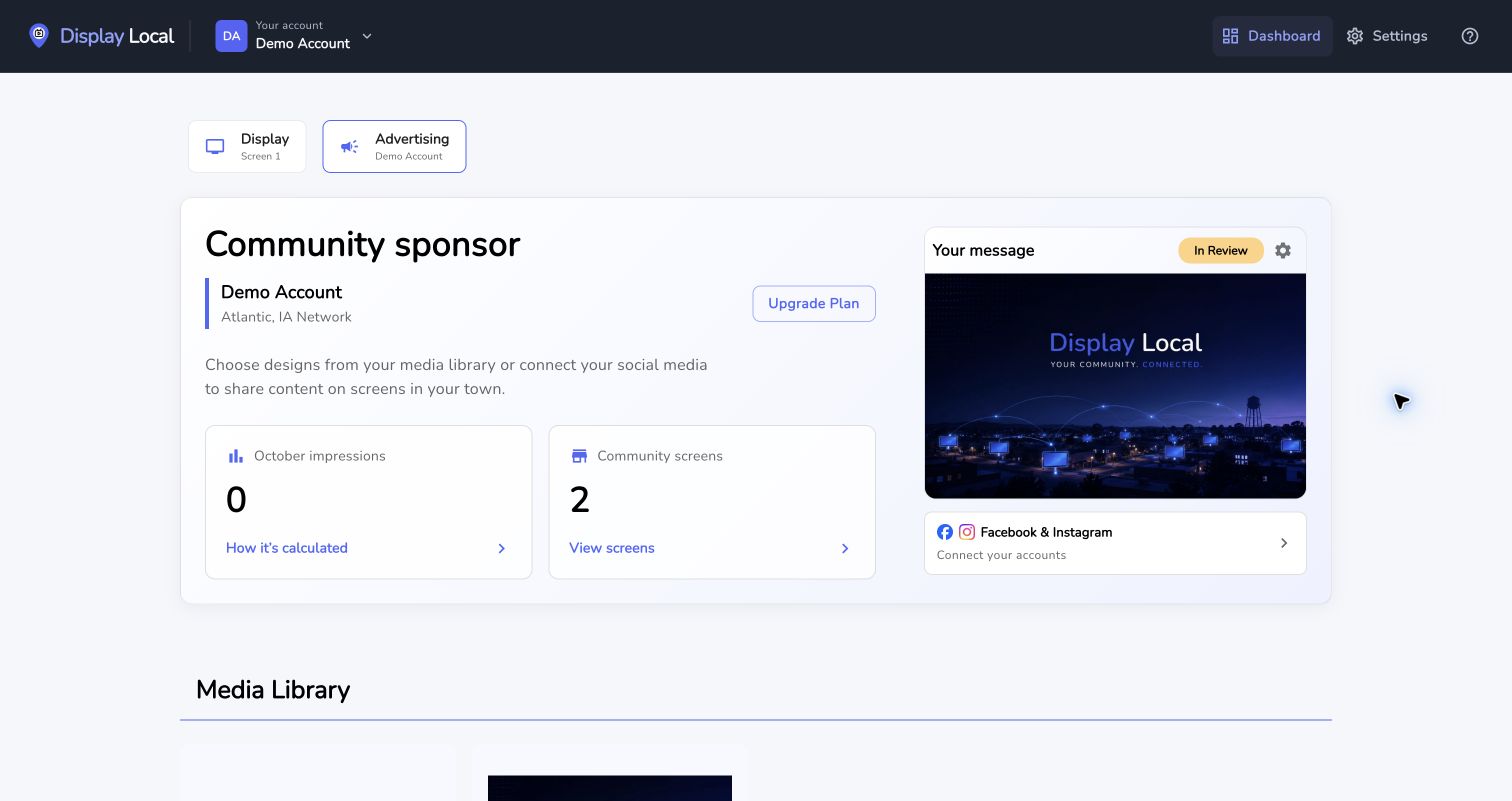
After submission, the message is In Review until it is approved. Select the image to view it full size. Add a finished design from Media Library with Add to advertisement to submit it.
If it is In Review, wait for the community review.
For changes to existing slides, open Manage advert and save your changes; edits to the slide set go back for review.
Good to know
Approved messages rotate through Network Content; they are separate from your own display slideshow.
Active does not promise that every network screen is showing your advert at this exact moment.
Need help with this task? Tell us which account, display, or advert you’re working on.
Contact support