Digital signage for businesses
Give customers
a tip to take home.
Choose the topics that fit your business. Display Local automatically plays seasonal tips and local events on your counter screen or TV, alongside your own announcements.

Find your business
Open a guide to see sample slides and explore topics for your customers.
19 business types
- Auto repair & tire shopsSeasonal maintenance · Tire care
- Bicycle shopsBike maintenance · Riding preparation
- Coffee shops & cafésCoffee origins · Brewing tips
- Dental practicesOral hygiene · Preventive care
- Garden centers & nurseriesSeasonal planting · Watering
- Gyms & fitness studiosExercise basics · Recovery
- Hair salons & barbershopsSeasonal hair care · Maintaining a cut
- Hardware storesHome maintenance · Seasonal checklists
- Jewelry stores & repair shopsJewelry care · Gemstone education
- Laundromats & dry cleanersFabric care · Laundry symbols
- Medical clinicsVisit preparation · Preventive care
- Optometry practicesEye care · Screen habits
- Pet stores & groomersGrooming · Enrichment
- PharmaciesSeasonal health · Medication safety
- Physical therapyMobility · Everyday movement
- Pool & spa storesOpening & closing · Pool & spa upkeep
- Shoe stores & repair shopsShoe care · Fit tips
- Specialty food shopsIngredient education · Storage tips
- Veterinary clinicsPreventive pet care · Seasonal hazards
Don’t see your business? Tell us what you’d like to show.
Put your posts and reviews on screen
Facebook and Instagram posts
Connect your Facebook Page or linked Instagram account, then post as usual. Your photos and captions appear on your screen automatically.
Google Business reviews
Select your Google Business Profile to show customers what others have said about your business.

First batch of croissants is out of the oven. See you at the counter!
The local lineup
Show what’s happening nearby
A farmers market, a library program, or today’s forecast can give customers something to take away from an everyday visit. Choose your town to add local updates to the rotation.
Local happenings. Weather at a glance.
Display Local finds events and updates from local sources, turns them into slides, and brings approved content to your screen. Dated slides leave the lineup when they expire. Add local weather for conditions and forecasts that update automatically.
A quick look at local conditions, today’s high and low, and the forecast. Sample weather shown.
Sample content · Available updates depend on your community and local sources.
Choose your screen setup
$299 per screen, per year
At signup, choose one of the two devices. Shipping, setup help, and your first year of content are included. Annual renewals cover ongoing service.

15.6-inch counter screen
A complete setup for your checkout counter.
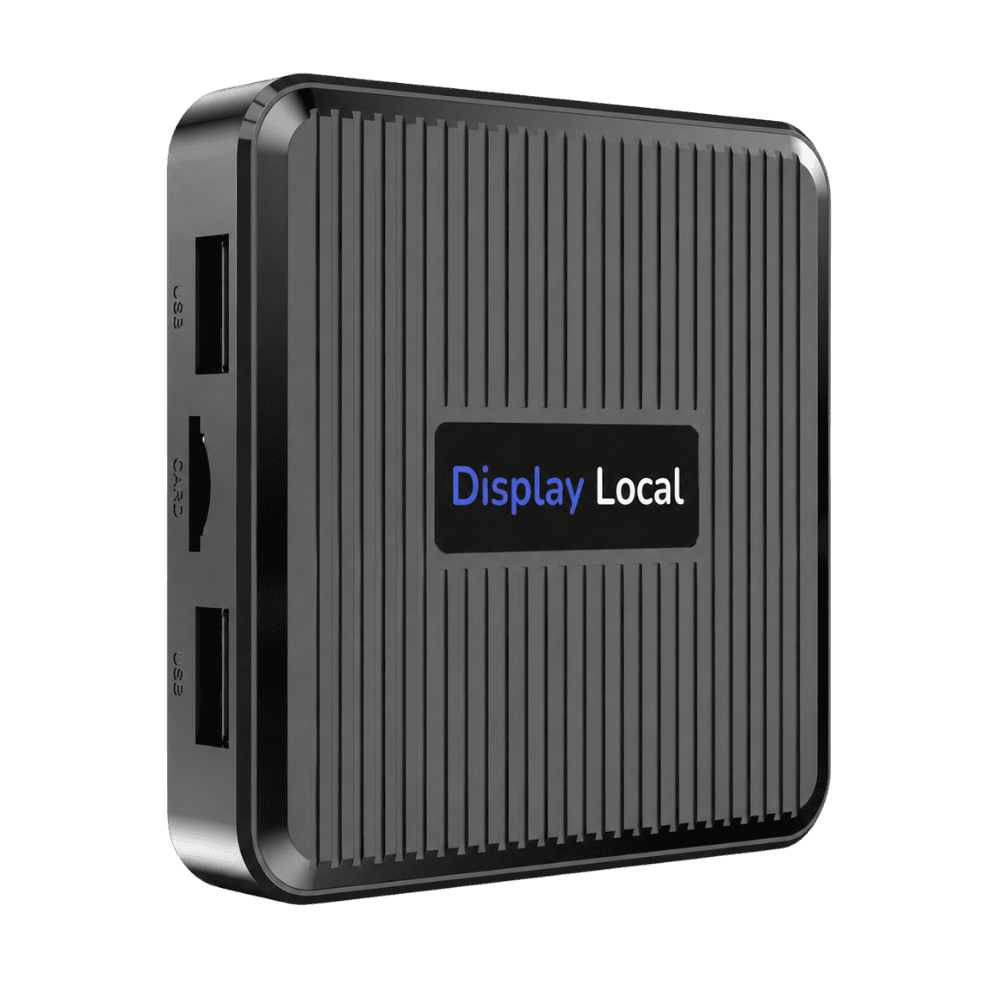
TV player
Connects to the HDMI port on your existing TV.
A few useful details
Good questions.
How do we get started?
Choose a counter display or a player for your existing HDMI TV at signup. In the dashboard, select your business type, topics, and town. We can help you get set up.
When will our business tips start playing?
Approved slides can join your screen as soon as they’re available for the topics you select. If a topic is new, our team reviews it and prepares the first slides. After setup, approved content refreshes weekly.
Can we add our own offers or change our hours?
Yes. Upload a photo or video, or schedule a slide for an offer, new service, or change in hours. Your announcements play alongside the automated content.
Where do local events come from?
Display Local finds events and notices from sources such as town and library calendars. Approved updates appear on your screen, and dated events drop out when they expire. Coverage depends on the sources available in your community.
What if our business type isn’t listed?
Tell us what your business does and what customers often ask. We can help you explore topics for automated tips. Your screen can also show local events, weather, social posts, reviews, and your own announcements.
