Displays & playback
Make a slide active or keep it as a draft
Control whether a slide can play without deleting its design.
Overview
Active slides are available to play. Draft slides are hidden without deleting the design. Schedule limits playback to selected dates, weekdays, and times.
Step by step
Select your display on the dashboard and open Preview.
Find the slide with the previous and next arrows.
Open its status button and choose Active or Draft. Choose Schedule for specific playback times.
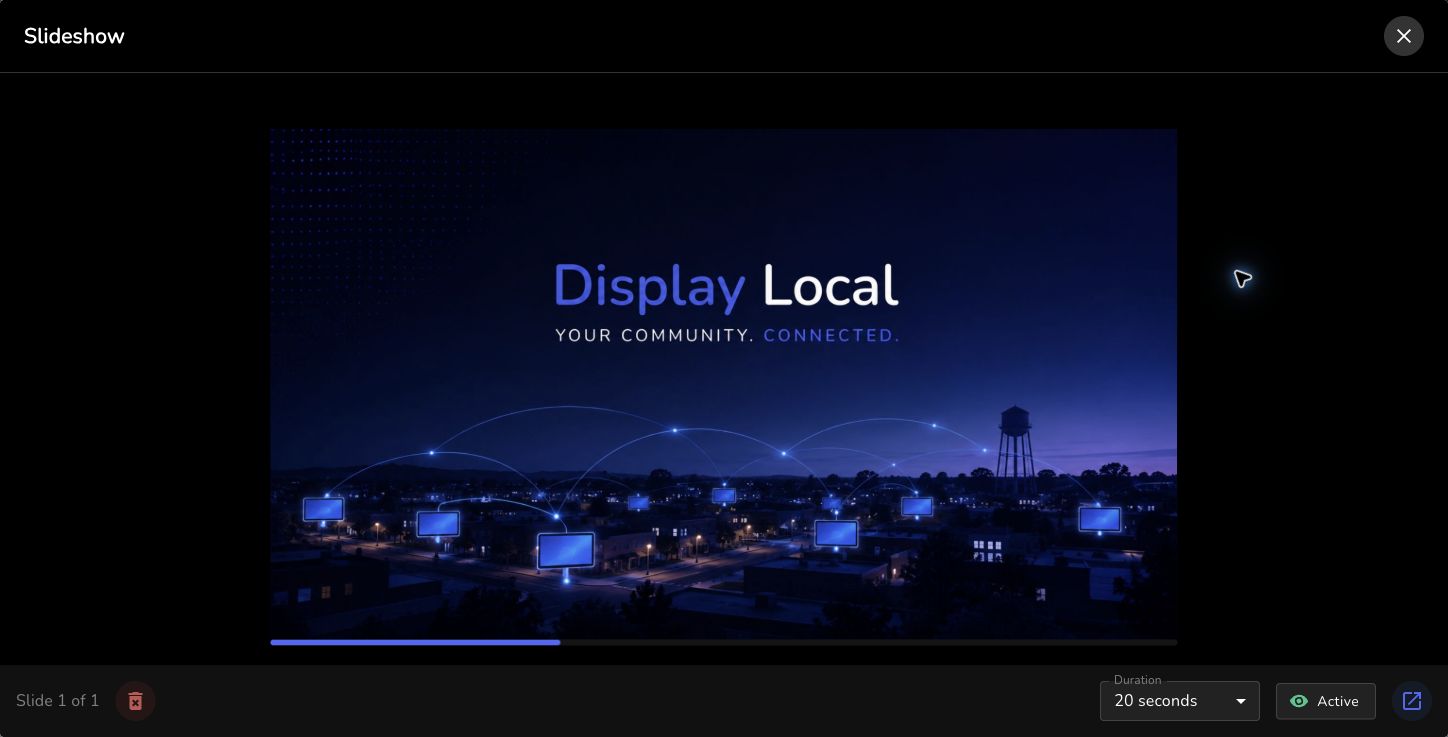
Timing and status controls are below the slideshow preview. Select the image to view it full size. Choose Publish Changes to save your change.
Good to know
Choosing Active or Draft clears the slide’s custom schedule.
A draft stays in your slideshow so you can edit and activate it later.
Need help with this task? Tell us which account, display, or advert you’re working on.
Contact support